HunnyPlay Mobile App
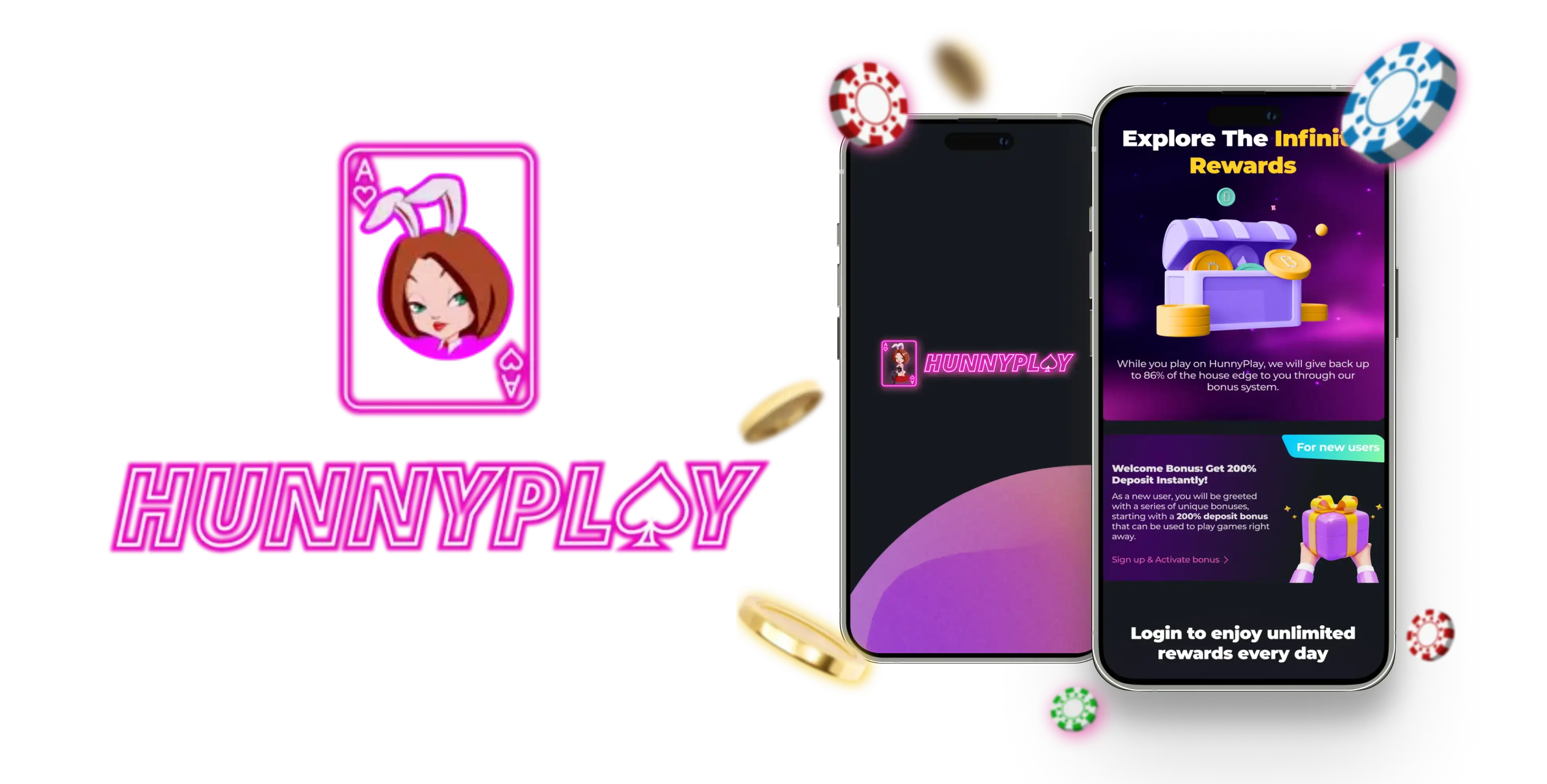

At HunnyPlay, we've built our mobile app so you can carry the entire casino experience in your pocket. Whether you're commuting, relaxing at home, or traveling abroad, our HunnyPlay app gives you instant access to thousands of slots, live dealer tables, and crypto-friendly banking wherever you have an internet connection. We designed this app around speed, simplicity, and security - everything you need for smooth mobile gaming.
Here at HunnyPlay Casino, we know that players want a platform that works just as well on a phone screen as it does on desktop. That's exactly why our development team focused on building a lightweight, installable app rather than forcing you to squint at a shrunken desktop layout. The result is a mobile experience that feels native, fast, and genuinely enjoyable.
App Features and Functionality
We built the app to feel intuitive from the first tap. Navigation between lobbies, your account dashboard, and the cashier is quick, and we've optimized loading times so games launch without long buffering screens. Some of our favorite features include:
- One-tap access to your favorite slots and recently played titles
- In-app balance tracking across all supported cryptocurrencies
- Push notifications for bonus drops and tournament updates
- Direct access to live chat support from any screen
- Smooth crypto deposits and withdrawals without leaving the app
How to Download the HunnyPlay App
We offer our app as a Progressive Web App (PWA), which means you won't need to visit a traditional app store. Instead, you install it directly from our website in just a few taps. Our HunnyPlay casino app works across both major mobile operating systems, and the setup takes less than a minute.
For Android Users
- Open your mobile browser and go to our official HunnyPlay website
- Tap the menu icon and select "Add to Home Screen"
- Confirm the installation prompt
- Find the HunnyPlay icon on your home screen and tap to launch
- Log in or register to start playing instantly
For iOS Users
- Launch Safari and navigate to our Hunny Play website
- Tap the Share icon at the bottom of the screen
- Select "Add to Home Screen" from the menu
- Name the shortcut and confirm
- Open the app icon whenever you want to play
Once installed, our app updates automatically in the background, so you'll always have the latest version without needing to manually reinstall anything.
Signing In and Getting Started
We've kept the login process simple so you can jump straight into the games you love. If you're new to us, joining is just as easy - here's how we've structured account creation:
- Open the HunnyPlay app on your device
- Tap "Sign Up" and enter your email address
- Create a secure password
- Connect a Web3 wallet or verify your account details
- Make your first deposit and claim your welcome bonus
Existing players can head straight to the Hunny Play casino login screen, enter their credentials, and continue where they left off. We also support quick wallet-based sign-ins for players who prefer crypto-first access. New players can complete the HunnyPlay sign up process in just a few minutes.
Games You Can Play On the Go
We've made sure our entire game catalog - over 5,000 titles from 22 studios - loads smoothly on mobile browsers. Whether you're into fast-spinning slots or prefer the atmosphere of a live studio, our HunnyPlay app has you covered.
- Slots from Pragmatic Play, NetEnt, Hacksaw Gaming, Nolimit City, and Red Tiger
- Live dealer tables powered by Evolution, Ezugi, and AG Asia Gaming
- Table games including blackjack, roulette, and baccarat
- Arcade titles and our own Hunny Originals collection
- HunnyPoker and staking features for players who want more variety
Security and Licensing
We operate under a license issued by Antillephone N.V. (license No. 8048/JAZ2024-001), and our HunnyPlay app follows the same security protocols as our full desktop platform. All transactions run through encrypted connections, and we support Web3 wallet integration so you retain control over your funds at every step. Withdrawals over 10,000 USDT may undergo additional verification, and large wins above USD 50,000 may be paid out in installments - a standard practice we apply consistently across devices.
Claiming Bonuses Through the App
One of the biggest advantages of using our app is that you never miss a promotion. We push notifications for time-sensitive offers, and every bonus code works exactly the same on mobile as it does on desktop. New players can choose between two welcome packages, both fully accessible the moment you open the HunnyPlay app.
| Package | Minimum Deposit | Free Spins | Deposit Match |
|---|---|---|---|
| Pro | USD 10 | 75 spins (20+25+30) at USD 0.1 | Up to USD 50 per stage, 35x wager |
| Pro Max | USD 40 | 225 spins (50+75+100) at USD 0.2 | Up to USD 1,000 per stage, 25x wager |
We limit each player to one welcome pack, with a 1x wagering requirement applied to the free spins themselves. Beyond the welcome offer, our HunnyPlay promo code system also unlocks recurring promotions like Slots Race, Jackpot Vault, and our Weekly Bonuses, all claimable directly through the mobile interface. For full details on all current offers, check out our HunnyPlay bonus page.
Our Customer Support
We know that mobile players sometimes need help fast, so our support team is available around the clock directly through the app:
- Live Chat: available 24/7 for instant assistance
- Telegram: join our community channel for updates
- Discord and Reddit: community support and discussions
- X (formerly Twitter): announcements and promotions
Whether you have a question about a Hunny Play promo code or need help with a withdrawal, our team responds quickly through the in-app chat window.
Pros and Cons
| Pros | Cons |
|---|---|
| No app store download required | Automatic updates only (no manual version control) |
| Works on both Android and iOS | Requires stable internet connection |
| Full access to bonuses and free spins | Crypto-only deposits, no fiat cards |
| Fast crypto withdrawals | Support available in English only |

Final Thoughts
We're proud of the mobile experience we've created at HunnyPlay. From quick installation to seamless access to our full games library, bonuses, and secure crypto banking, our app is built for players who want flexibility without sacrificing quality. Whether you're claiming a HunnyPlay no deposit bonus, chasing free spins, or simply spinning your favorite slot during a coffee break, we've made sure the experience stays smooth from start to finish. Join us today and see why so many players choose to play with Hunny Play on the go.
FAQ
Do you have a dedicated app in the App Store or Google Play?
We currently offer our app as an installable Progressive Web App rather than through traditional app stores. This allows us to update features instantly and keep the experience consistent across all devices.
Is the HunnyPlay app free to download?
Yes, downloading and installing our app costs nothing. You only need funds when you're ready to make a deposit and start playing for real money.
Can I use my HunnyPlay casino login on both the app and desktop site?
Absolutely. We use the same account system across all platforms, so you can log in with the same credentials whether you're on your phone, tablet, or computer.
Does the app support free spins and promo codes?
Yes, we make sure every promo code, including free spins and welcome bonuses, works identically through the app as it does on our website.
What currencies can I deposit through the app?
We accept a wide range of cryptocurrencies including BTC, ETH, USDT, USDC, and many others, along with a few regional fiat currencies depending on your location.
Is the app safe to use for deposits and withdrawals?
We apply the same licensing, encryption, and verification standards to our app as we do across our entire platform, so your funds and data remain protected at all times.
What should I do if I experience issues with the app?
We recommend reaching out to our 24/7 live chat support directly from within the app. Our team can help troubleshoot most issues in real time.
Content updated: September 12, 2026